
Chibi OCFloat
Original all-ages demo
Ribbon, sleeves, and hair drift while the paper backdrop stays still.
Upload a still image, paint the soft parts, and watch them jiggle in real time. Tune the motion, then export a seamless GIF or browser-made video without sending your image anywhere.
Start with the picture here, then paint and tune it in a focused workspace.

Purupuru Maker is a free online image wobble maker for turning one still picture into a playful GIF animation. Upload a PNG, JPEG, or WebP, paint only the parts that should move, and choose a wobble, jiggle, sway, bounce, pulse, or shake effect. You can adjust speed, strength, damping, and direction while watching the result update in real time.
Nothing is uploaded to an application server. The source image, painted mask, live preview, and export stay in your browser, so you can experiment without creating an account or waiting for a render queue. The result can be saved as a GIF, WebM, or—when your browser supports it—MP4.
Every example is original and all-ages. Compare chibi art, pets, food, plush, pixels, manga, watercolor, and toys with a motion tuned to the material.
Ribbon, sleeves, and hair drift while the paper backdrop stays still.
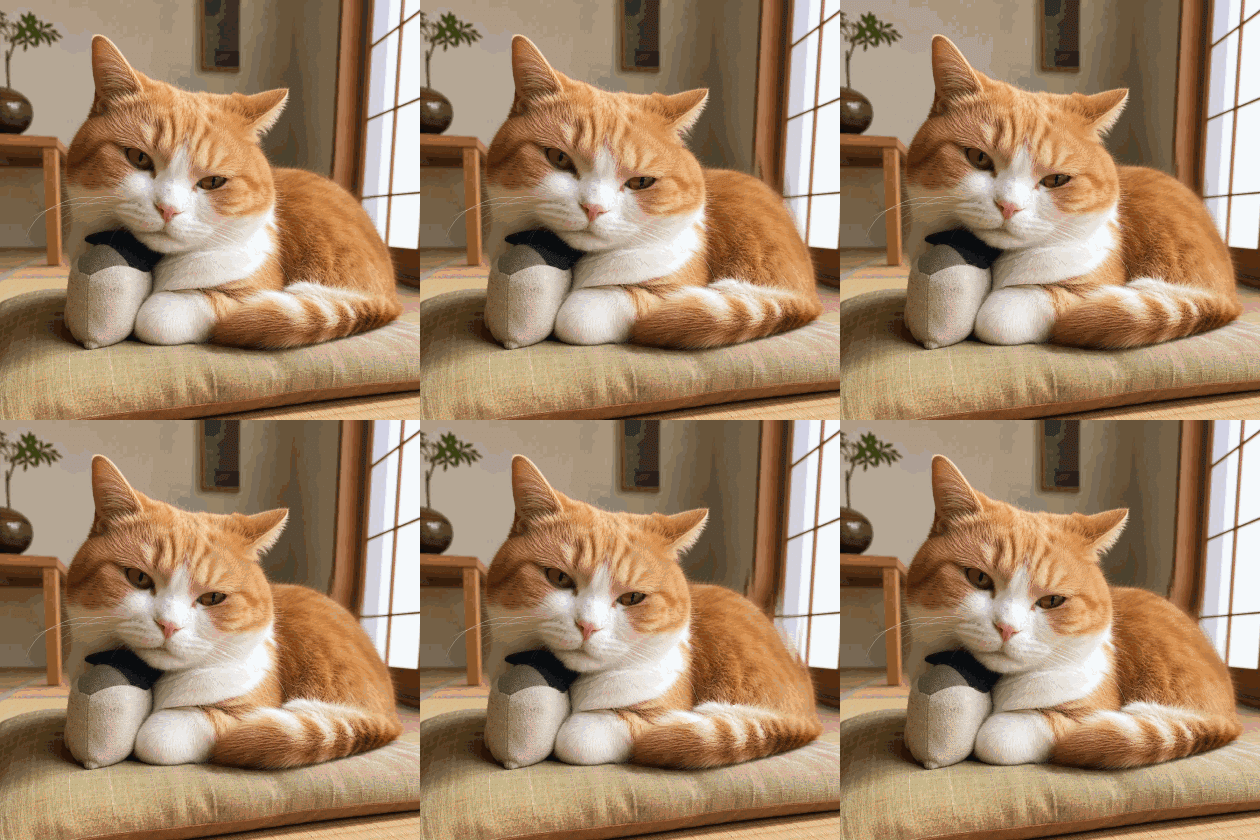 Original all-ages demo
A tiny side-to-side wobble gives the cat a soft, sleepy weight.
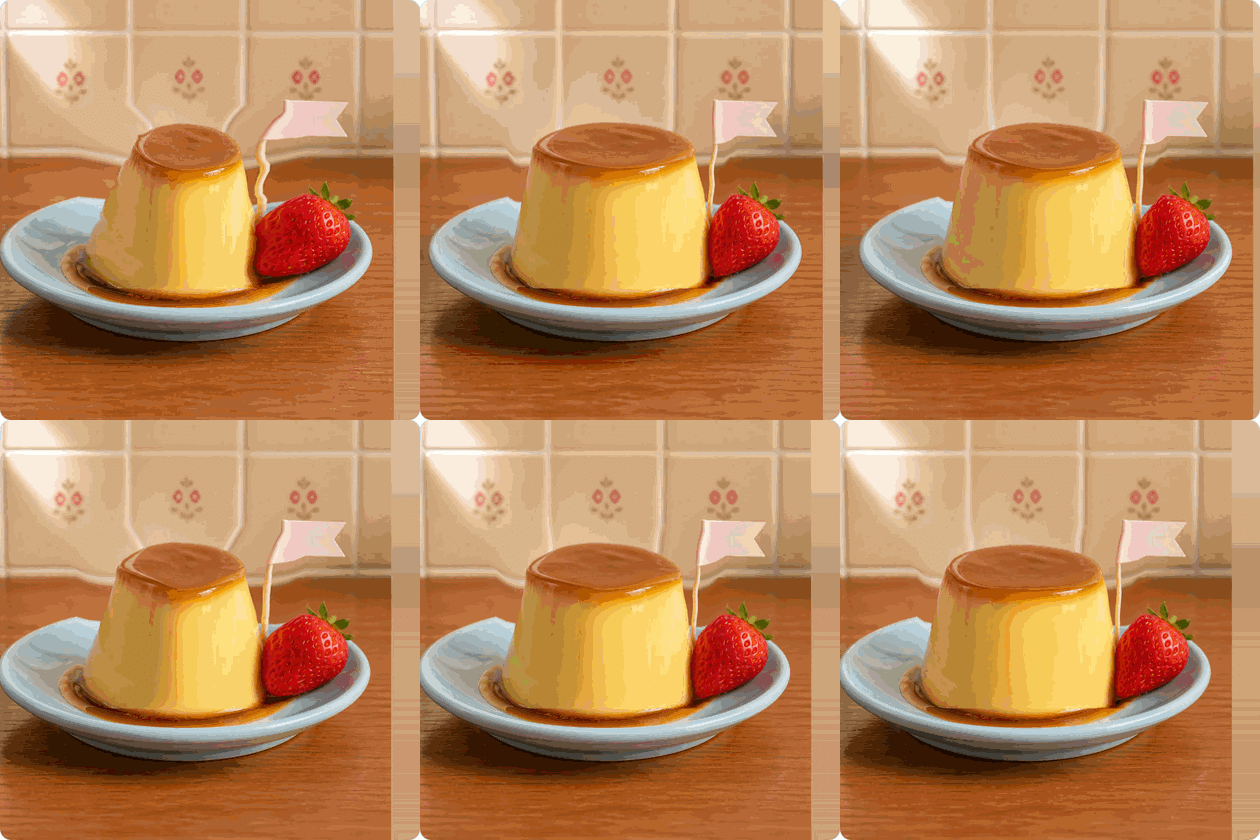 Original all-ages demo
The custard moves; the plate and kissaten table remain grounded.
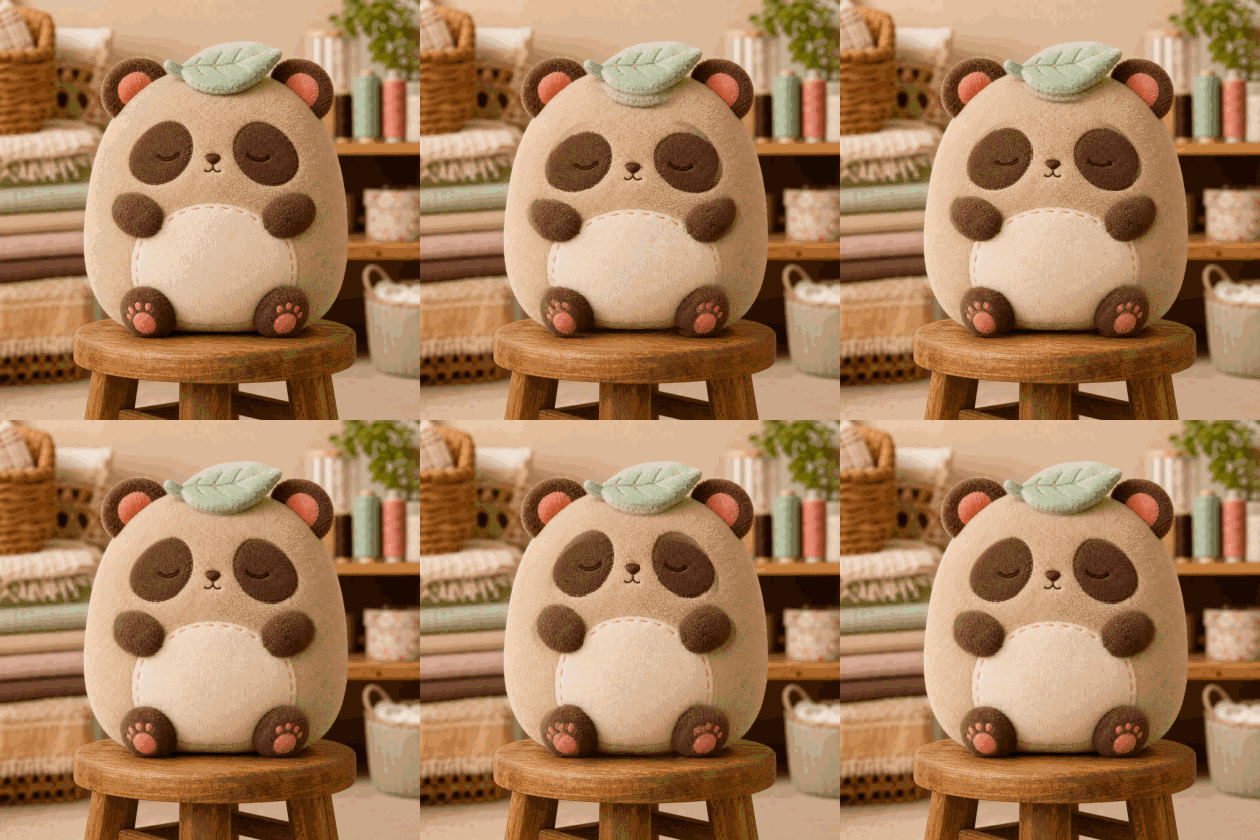 Original all-ages demo
Springy stuffing with a firmly planted wooden stool.
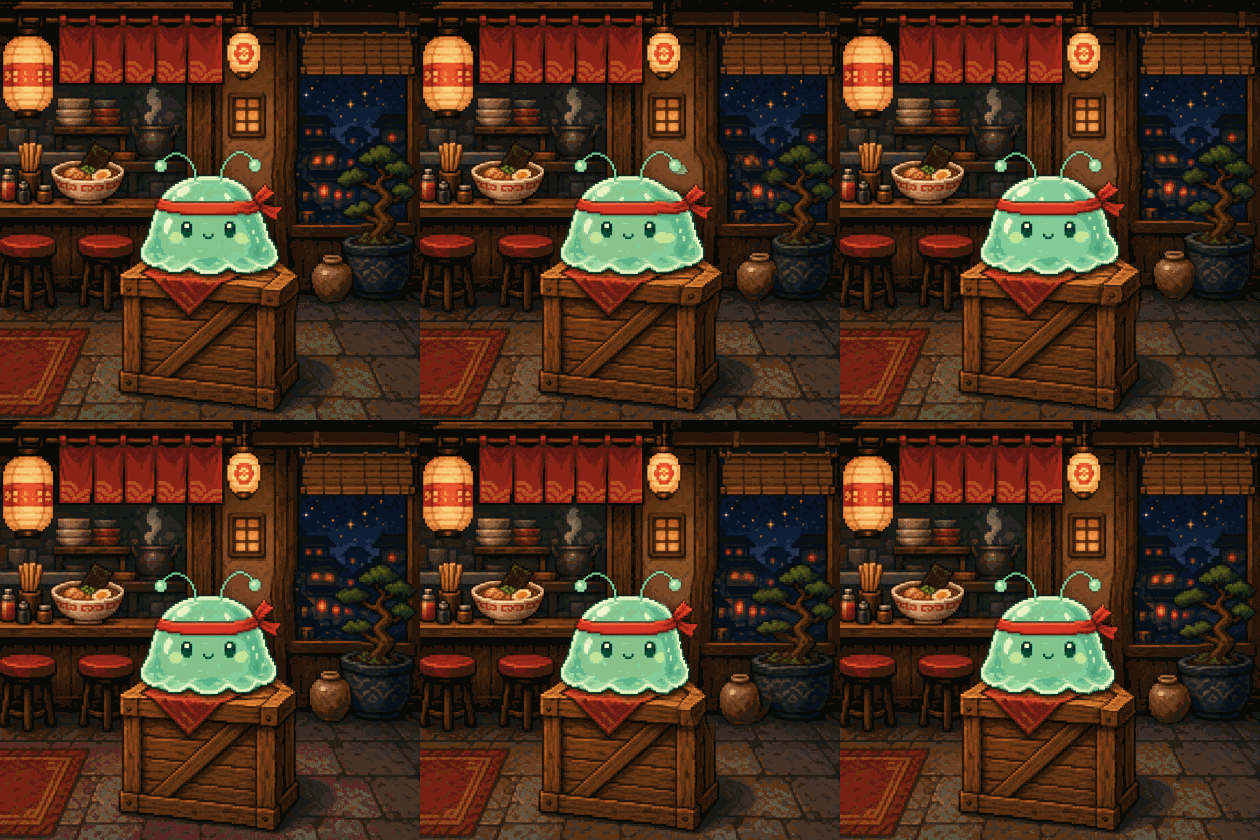 Original all-ages demo
A pixel spirit ripples without blurring the tiny ramen shop.
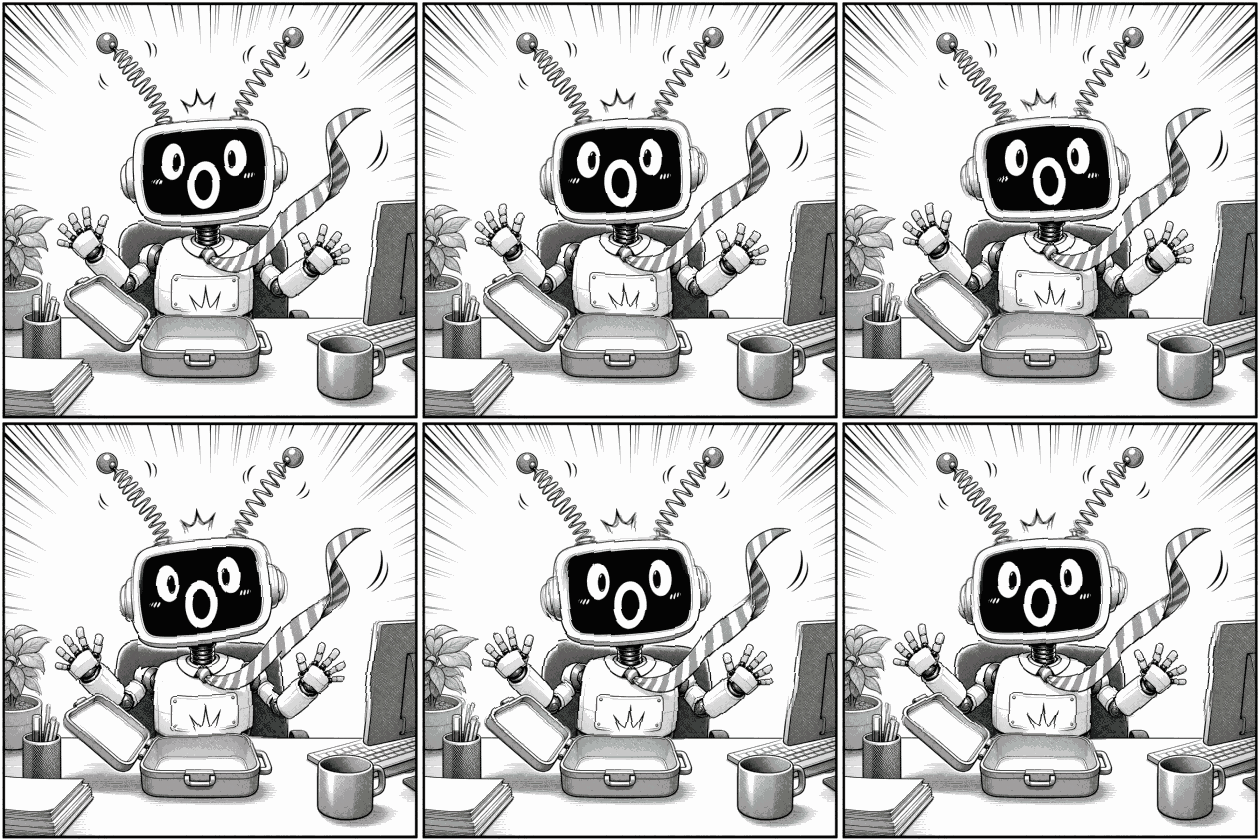 Original all-ages demo
Short, nervous tremors made for a manga reaction beat.
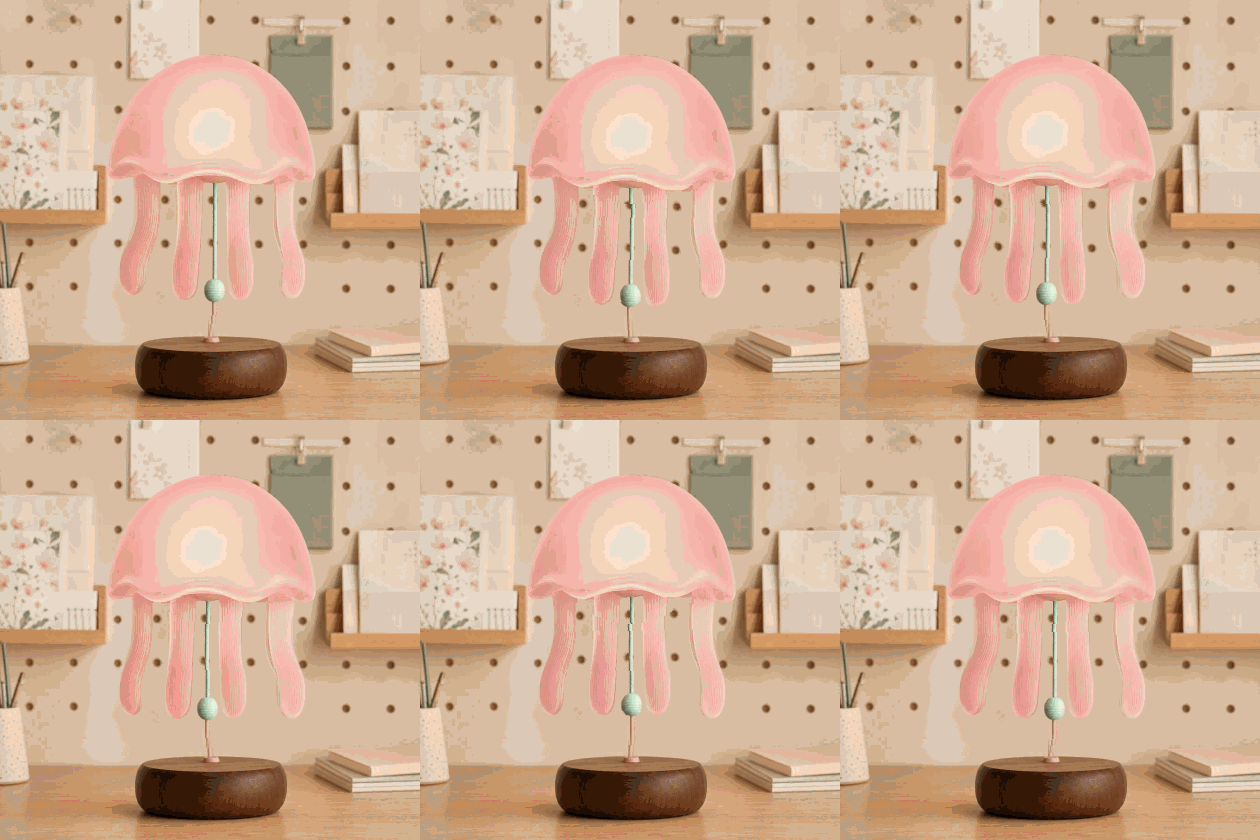 Original all-ages demo
The shade and tentacles float above a steady lamp base.
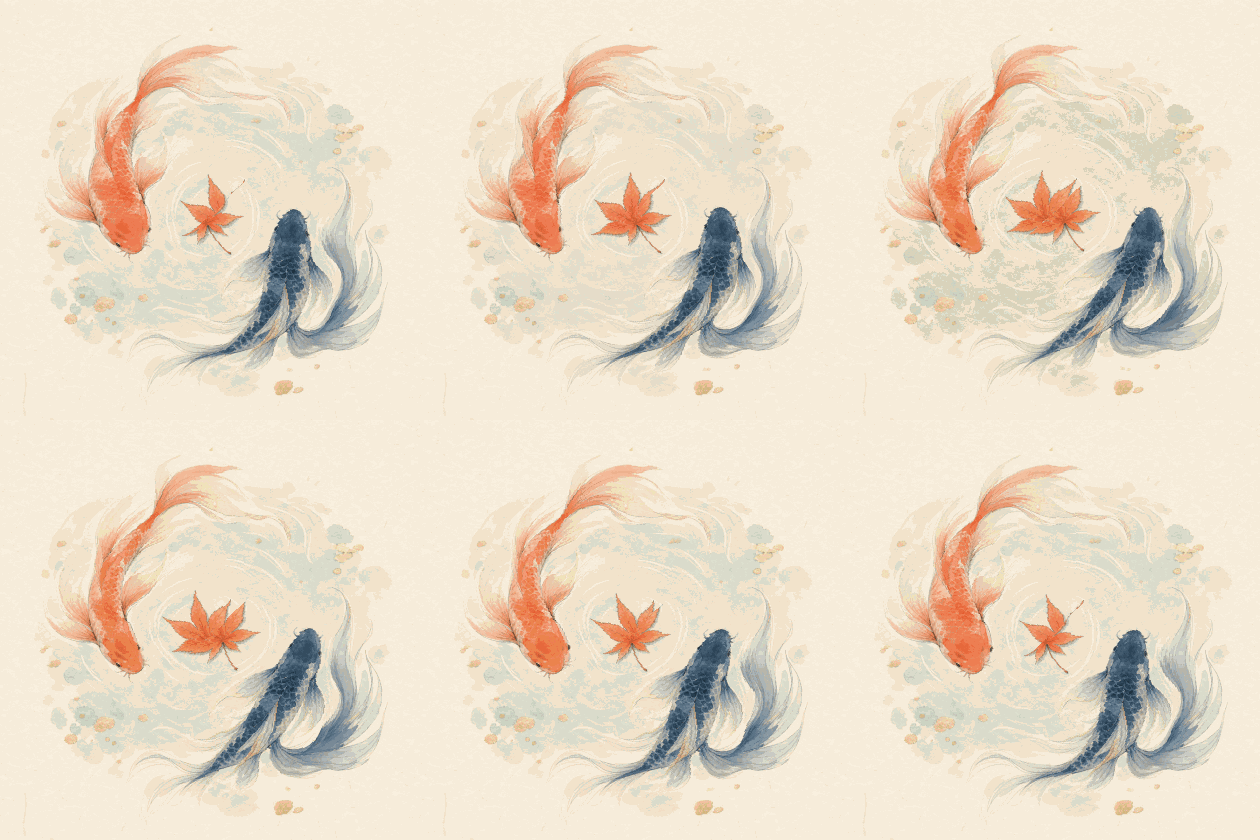 Original all-ages demo
Two painted koi follow different waves through the same paper texture.
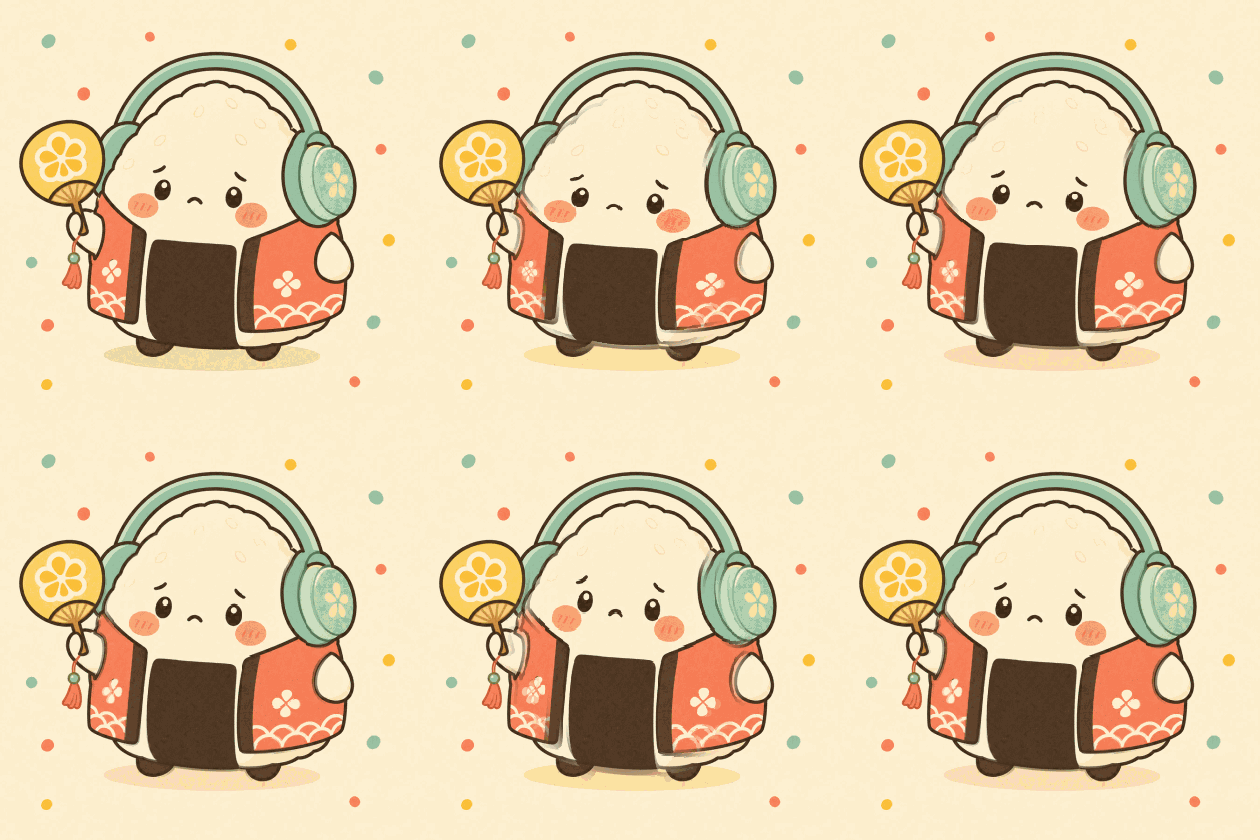 Original all-ages demo
A gentle landing squash for a round onigiri mascot.
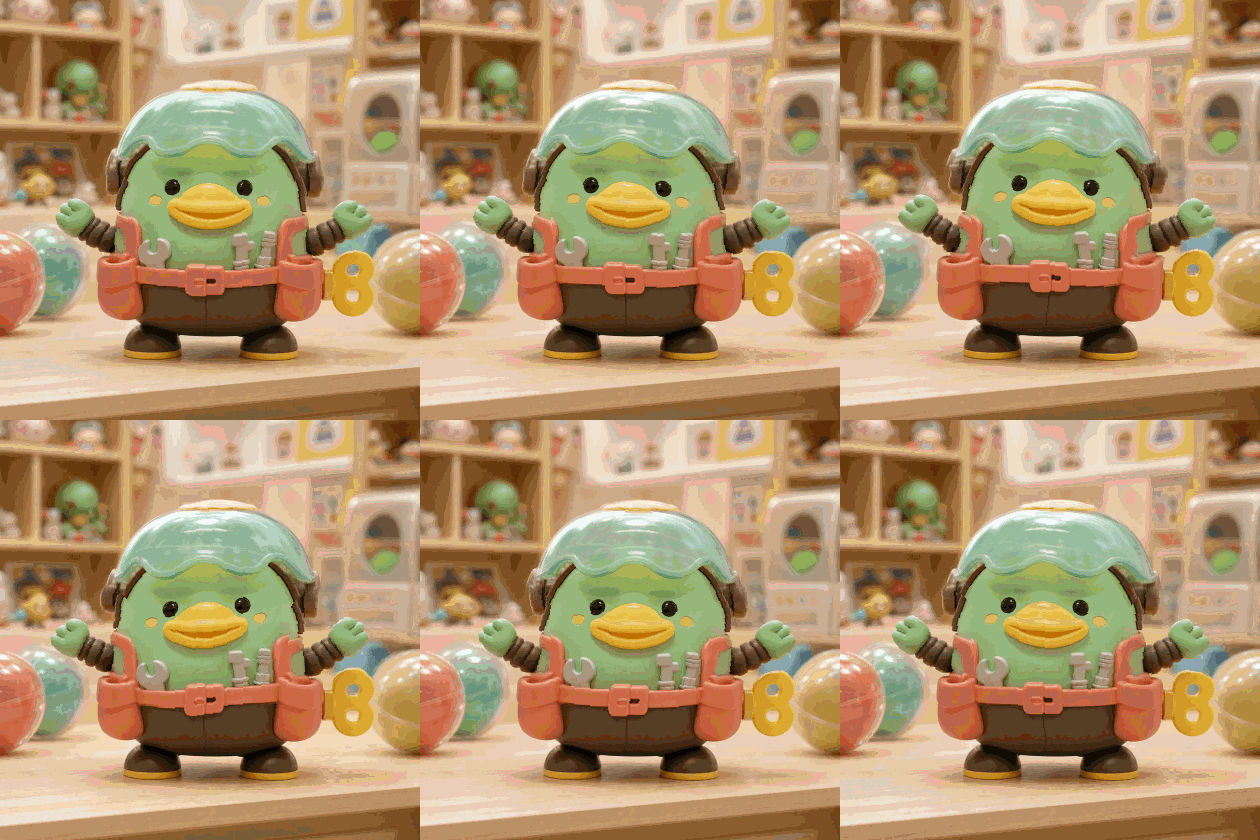 Original all-ages demo
Helmet, tool pouches, and arms chatter like a wind-up toy.
Purupuru Maker keeps the workflow visible: add a picture, paint a movement mask, then preview and export.
Drop a PNG, JPEG, or WebP, paste from your clipboard, use a URL, or start with one of the built-in specimens.
Brush over hair, cheeks, ears, pudding, fabric, or any soft detail. Erase mistakes and use lighter strength near edges.
Pick Jelly, Sway, Bounce, Wave, Pulse, or Quake. Adjust the feel and export a looping GIF, MP4, or WebM.
Start with a preset, then change speed, amplitude, damping, and gravity without repainting your mask.
A soft two-axis jiggle for pudding, cheeks, and round shapes.
A relaxed side-to-side drift for hair, ribbons, and plants.
An elastic vertical hop for ears, tails, and mascots.
A rolling circular motion for fabric, water, and loose outlines.
A gentle breathing scale for plushies and sleepy characters.
A quick chaotic shake for reaction images and loud memes.
Paint strength becomes motion strength, so edges can move softly instead of tearing.
Canvas rendering responds to every stroke without an upload queue or remote processing.
Paint with a finger, then use DeviceMotion to give the preview a physical shake.
Mask history keeps brush, eraser, fill, and clear operations reversible.
Encode GIF locally or record the canvas as MP4/WebM when the browser supports it.
Batch mode lets a whole group share the same preset and fine-tuning controls.
Traditional animation asks you to create keyframes, rig a character, or learn a timeline. Purupuru Maker starts from a simpler question: which pixels should feel soft? You answer by painting a mask directly on the image. The painted area becomes the moving layer, while the unpainted part remains a visual anchor. As a free online purupuru maker, it stays approachable for meme makers and sticker creators who want motion without turning a quick idea into a motion-design project.
The editor is intentionally immediate. As soon as a mask exists, the preview moves. Switching from Jelly to Sway changes the character of the loop without destroying the painted selection. Speed and amplitude control how energetic it feels; damping calms the movement; gravity gives the wobble a direction. Because those decisions are independent from the mask, you can experiment freely and compare versions in seconds.
Images used for reactions, private group chats, client previews, or unfinished art may be sensitive. Purupuru Maker processes the source, mask, preview, and export in the browser. The image is not sent to an application server, and there is no account library quietly retaining a copy. Close the tab and the working session disappears unless you already downloaded an export.
Local processing also changes the pace. There is no upload progress bar, render queue, or server-side credit system. Performance depends on the device, but ordinary social images can respond directly to brush strokes. For best results on older phones, use an image around 1280 pixels on its longest side and keep GIF exports short. Video is usually more compact for longer loops.
A convincing wobble usually has a firm base and a soft edge. Paint the center of the moving object with stronger strokes, then reduce paint strength around its boundary. A cat belly can move while the paws stay planted; hair tips can sway while the face remains still; a pudding can jiggle while the plate anchors the frame. The eraser is useful for carving those fixed points back out.
Do not chase every pixel at the outline. A small amount of overspill can look more natural because the moving layer needs neighboring pixels to bend. If the edge looks doubled, lower amplitude or add damping before repainting everything. Undo and redo make it safe to test bolder masks, while Wobble all is useful for logos, stickers, and intentionally chaotic reaction images.
Jelly is the default Purupuru Maker motion because it combines horizontal and vertical movement into a soft loop. Sway is better for long flexible shapes such as hair and ribbons. Bounce gives ears, tails, and mascots a clear vertical beat. Wave introduces a rolling path that suits fabric and water. Pulse expands and settles like breathing. Quake is short, fast, and deliberately unruly—the preset for punch lines.
Presets are starting points rather than locked effects. A slow Quake can become nervous shivering; a fast Pulse can feel like an excited sticker; high damping can turn a Bounce into a polite nod. Gravity direction is especially useful when the subject implies weight. Point it downward for pudding, diagonally for windblown fabric, or upward for a floating balloon-like wobble.
GIF remains the easiest format for chat reactions, stickers, forum posts, and places where autoplaying images are expected. It is universally recognizable, but it stores animation inefficiently and supports a limited palette. Keep GIF dimensions and durations modest. Purupuru Maker quantizes and encodes frames in the browser, so the saved file reflects the same local canvas you previewed.
MP4 and WebM are better for social feeds, longer motion, and smoother color. Browser support determines which recorder is available: WebM works in many modern browsers, while MP4 recording is exposed only where the browser offers a compatible encoder. If MP4 is unavailable, exporting WebM preserves the animation and can be converted later by the social platform or a desktop tool.
Illustrators can animate hair, sleeves, charms, and facial details to tease a character reveal. Sticker makers can give a single expression more personality without drawing a full frame sequence. Pet owners can turn ears, cheeks, and round bellies into compact reaction loops. Food creators can emphasize the wobble of flan, jelly, boba, cheesecake, or mochi. For creators, the best purupuru maker tool is one that keeps these small experiments quick, private, and easy to revise.
The best source image has a clear subject and enough room for movement. Square compositions travel well between sticker systems and social profiles. Transparent PNG artwork is useful when you want a clean cutout, while photographs often look best with lower amplitude. Batch mode helps when a set of stickers needs the same motion language: load several files, choose one preset, and apply the same tuning across the queue.
Purupuru Maker is designed so the core editor remains usable on a phone. Pointer events let the same brush respond to a mouse, stylus, or finger. On a small screen, use a larger brush for the main mask and a smaller eraser for corrections. Landscape orientation offers more room for controls, but portrait mode keeps the upload and preset flow within thumb reach.
When DeviceMotion permission is available, shake-to-wobble adds a playful physical input. The sensor does not upload motion data; it only changes the local preview impulse. Some iOS versions require an explicit permission tap, while other browsers expose motion automatically. Automatic presets remain available when a device has no motion sensor or permission is declined.
Start with Jelly at medium amplitude and normal speed. Paint the flexible center, soften the edge, and watch at least two full cycles. If the subject appears detached, reduce amplitude or increase damping. If it barely moves, strengthen the mask before making the whole animation faster. This makes an easy purupuru maker online workflow: several small adjustments usually look more natural than one extreme slider.
For stickers and chat reactions, export one short cycle. For a feed post, use a video format and let the motion repeat several times. Purupuru Maker keeps the loop mathematical, so the first and last frame align with the preset cycle. The result is a compact animation that feels intentionally alive rather than randomly shaken.
Straight answers about the tool, local processing, supported formats, price, watermarks, and motion styles.
Purupuru Maker turns selected parts of a still picture into looping motion. Upload an image, paint the area you want to animate, choose a motion preset, and export the result as a GIF or video. The image wobble maker is designed for memes, stickers, social posts, and quick creative experiments.
Image decoding, mask painting, preview rendering, and export happen locally in your browser. Purupuru Maker does not upload your source image to an application server or save it to an account library. Closing the tab ends the working session unless you have downloaded an export.
You can open PNG, JPEG, and WebP images in modern browsers. The free GIF animation tool encodes GIF locally and can record WebM; MP4 is available when the current browser provides a compatible recorder. Shorter loops and moderate image dimensions usually export faster.
Yes. You can use the editor without an account, subscription, or credit balance. The main upload, painting, preview, motion, and export features are available online for free.
No. Purupuru Maker does not add a logo or watermark to the GIF or video you export. You remain responsible for having permission to use the original image, artwork, photograph, character, or brand.
A wobble creates a soft, elastic movement, while a jiggle effect GIF feels quicker and springier. Shake is a sharper, more chaotic motion for reactions or emphasis. Paint only the part that should move when you want to shake an image online without shifting the entire frame.
Practical guides to wobble GIFs, stickers, browser tools, motion, and export.
Use a free online shake image generator to add shake effects to any photo. Export as GIF, MP4, or WebM. No download or signup.
Read article ↗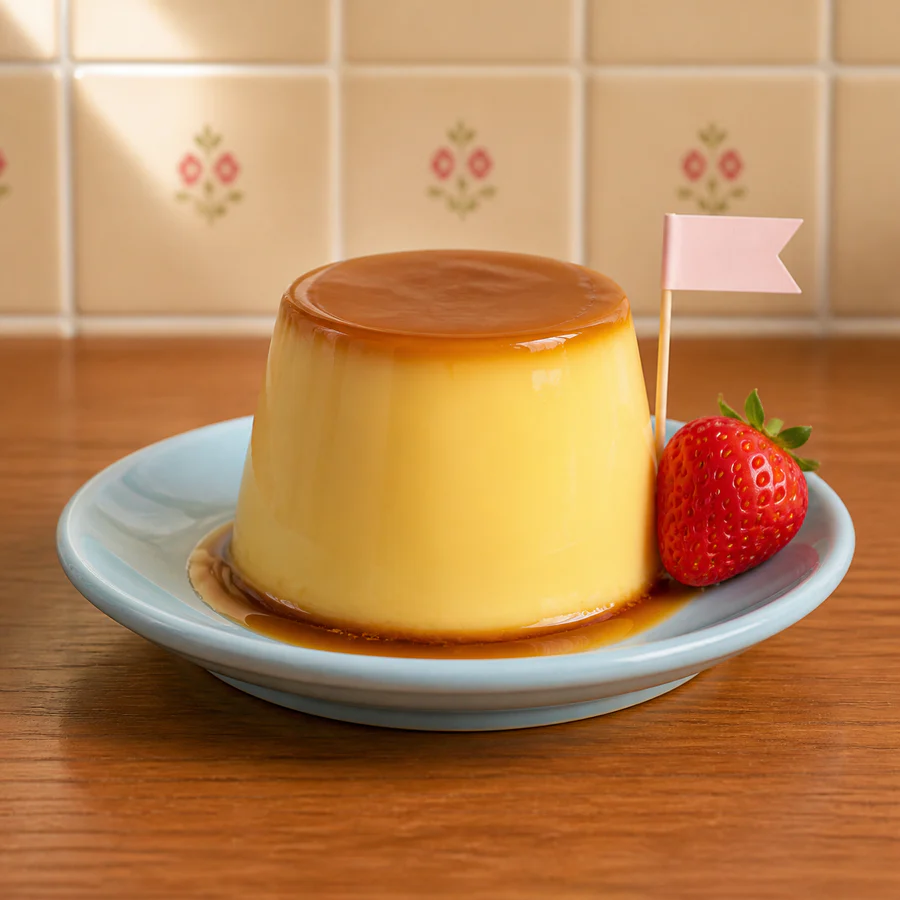
Compare seven free or free-to-try tools for wobble effects, GIF editing, social animation, layered frame work, and AI image motion.
Read article ↗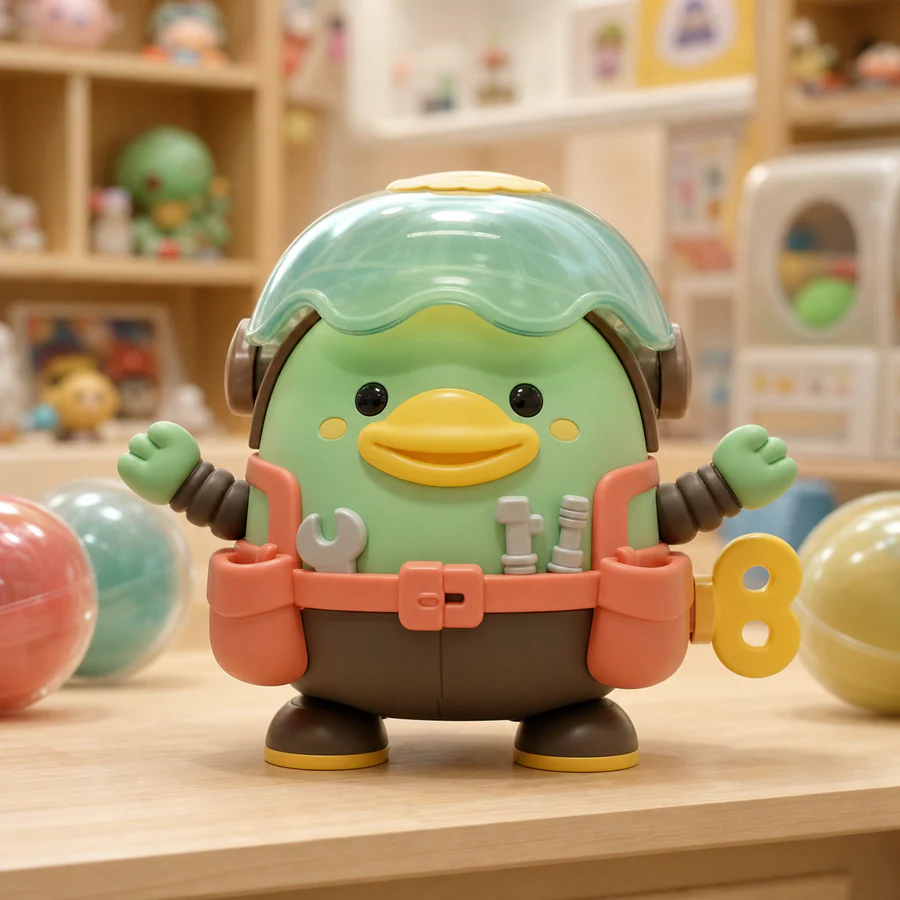
Compare the workflow, animation quality, customization, export options, privacy, and price of three different wobble-making approaches.
Read article ↗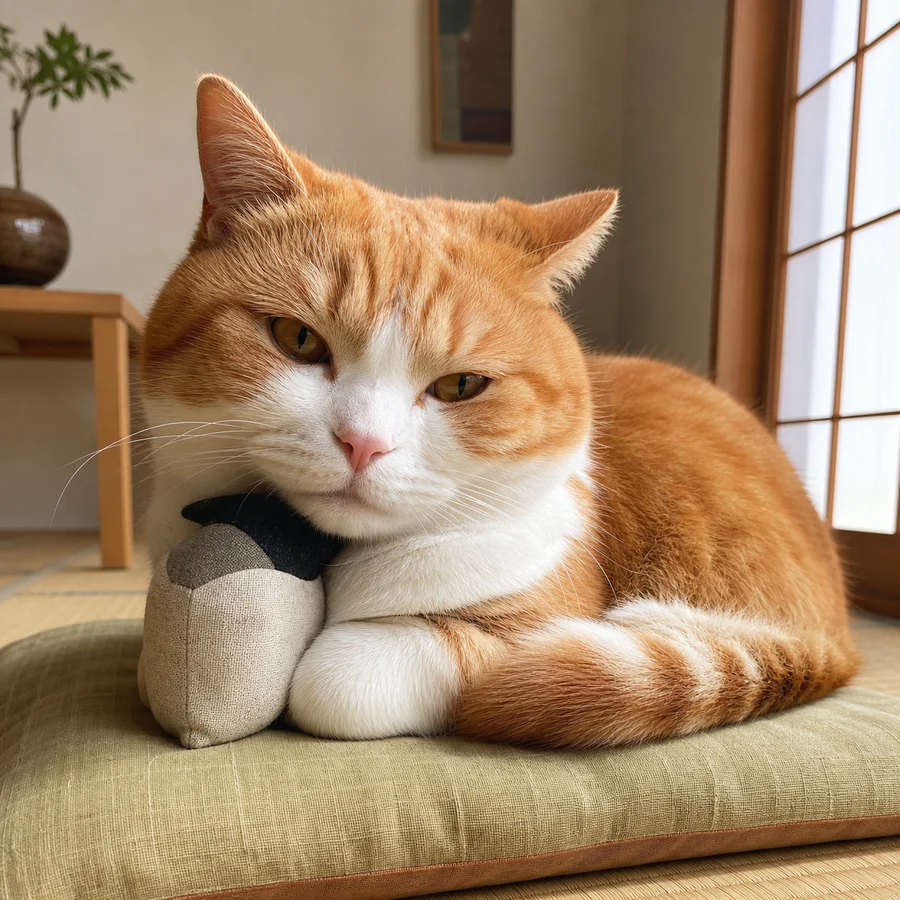
Learn a practical local-browser workflow for painting a natural motion mask, comparing six presets, fixing common mistakes, and exporting a clean wobble GIF.
Read article ↗
Understand the cultural idea, pixel-displacement technique, mask design, motion language, and export formats behind a wobble effect GIF.
Read article ↗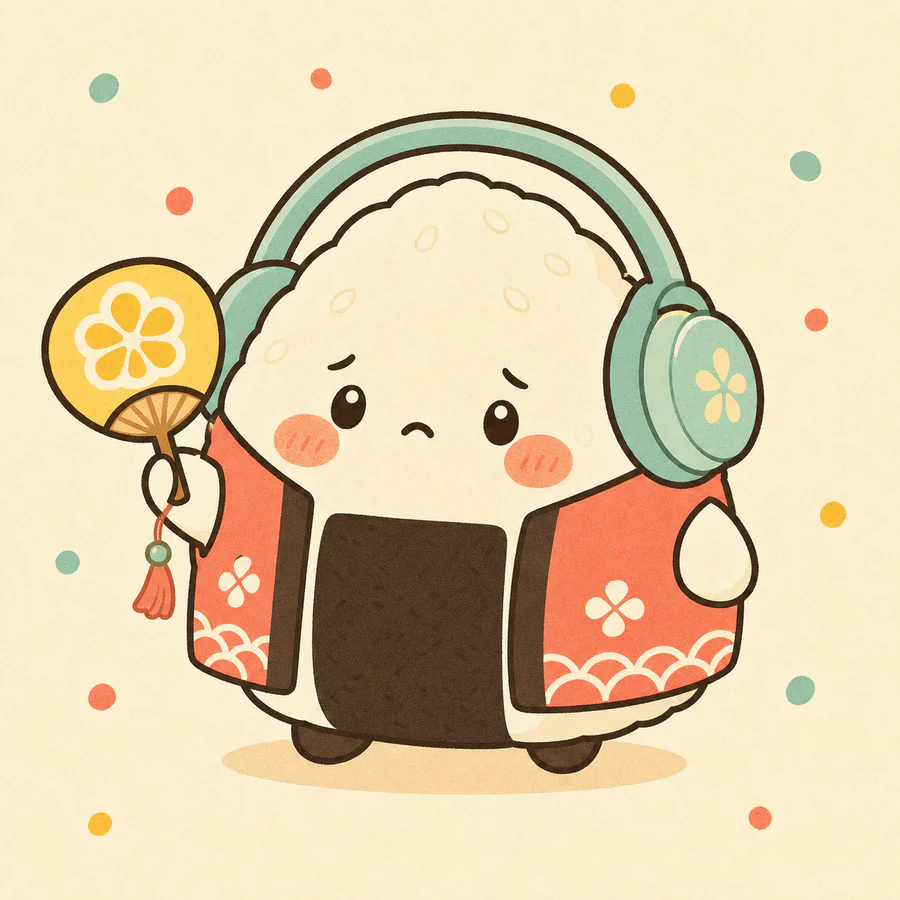
Design a readable purupuru reaction, preserve transparency, compare platform specifications, and prepare animated sticker exports for Telegram, WhatsApp, and LINE.
Read article ↗
Use brush size, strength, anchors, soft edge passes, and a repeatable video-style workflow to paint wobble motion that stays attached to the image.
Read article ↗
Compare Jelly, Sway, Bounce, Wave, Pulse, and Quake with practical subjects, parameter recipes, failure cases, and GIF preview descriptions.
Read article ↗
Compare color, compression, playback, browser support, transparency, measured-test methods, and platform use cases for wobble animation exports.
Read article ↗Open the studio, paint something soft, and make a loop without uploading a thing.