Upload
Upload a PNG, JPEG, or WebP image up to 10MB. Your image stays on your device: Purupuru Maker reads it directly in this tab and processes everything locally in your browser.
 Purupuru MakerSTUDIO
Purupuru Maker turns selected parts of a still image into soft, looping motion. Instead of animating the entire frame, you paint a movement mask over details such as hair, fabric, cheeks, ears, or a product feature, then shape the result with simple motion controls. The workflow is designed for reaction GIFs, stickers, memes, social posts, and small creative experiments that should feel alive without requiring desktop animation software.
Upload a PNG, JPEG, or WebP image up to 10MB. Your image stays on your device: Purupuru Maker reads it directly in this tab and processes everything locally in your browser.
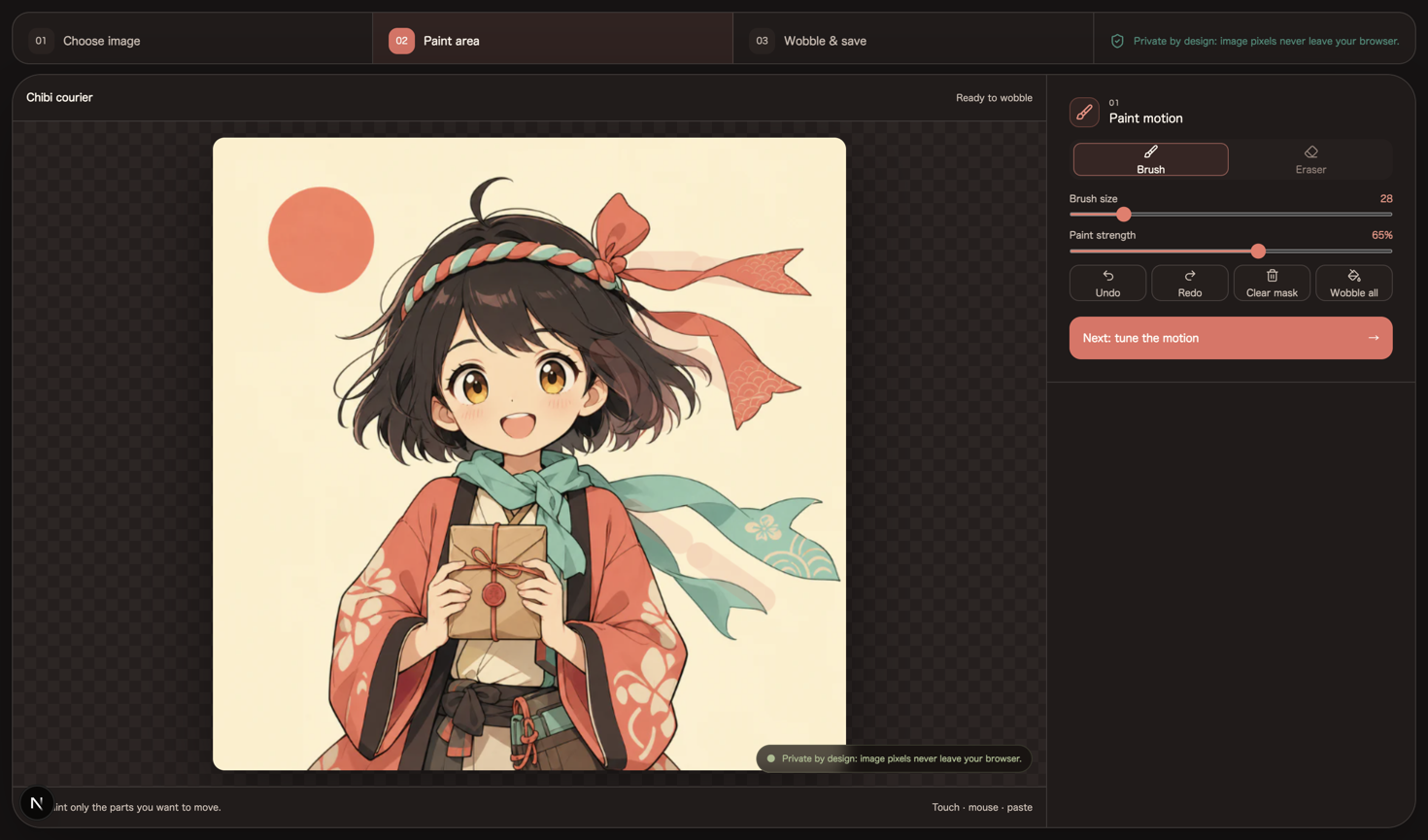
Use the brush tool to paint over the area you want to wobble. The mask you paint determines which part of the image moves, while unpainted areas remain visually anchored.
Click Play to preview the wobble animation in real time. Adjust speed and intensity until you are happy, and compare gentler movement with a more energetic jiggle before exporting.
Download the finished animation as GIF, MP4, or WebM. GIF works almost everywhere, MP4 usually gives smaller files for social video, and WebM is an efficient choice for modern websites.
Use a subject with one flexible detail and one unmistakably still anchor: a character with hair and a collar, a plush with an ear and a body, or a product with a loose tag and a fixed package. This makes it easy to tell whether the mask is doing useful work instead of merely moving the whole picture.
If the moving area looks like a cut-out sticker, erase a little more at the boundary before increasing intensity. This small check catches the most common unnatural result before you spend time tuning a final export.
Choose GIF for short loops that need to behave like an image in chats, forums, and simple embeds. It has broad compatibility, but its limited color palette and older compression can create a larger file. MP4 keeps photographic color and is usually the most convenient video format for social platforms, although direct MP4 recording depends on browser support. WebM also preserves smooth color efficiently and is often the best option for publishing an animation on the modern web; if MP4 is unavailable, WebM captures the same canvas motion without requiring you to repaint the mask.
You can open PNG, JPEG, and WebP images up to 10MB. Purupuru Maker can export GIF and WebM, plus MP4 when your browser provides a compatible recorder.
Yes. The core upload, mask painting, live preview, motion controls, and export tools are free to use without creating an account or buying render credits.
Purupuru Maker does not claim ownership of your source image or exported animation. You may use the output commercially when you own, created, or have permission to use every element in the source image.
A mask that is too small often creates a sharp moving patch. Paint a larger mask area, use a softer edge around the attachment point, and begin with lower intensity for smoother motion.